
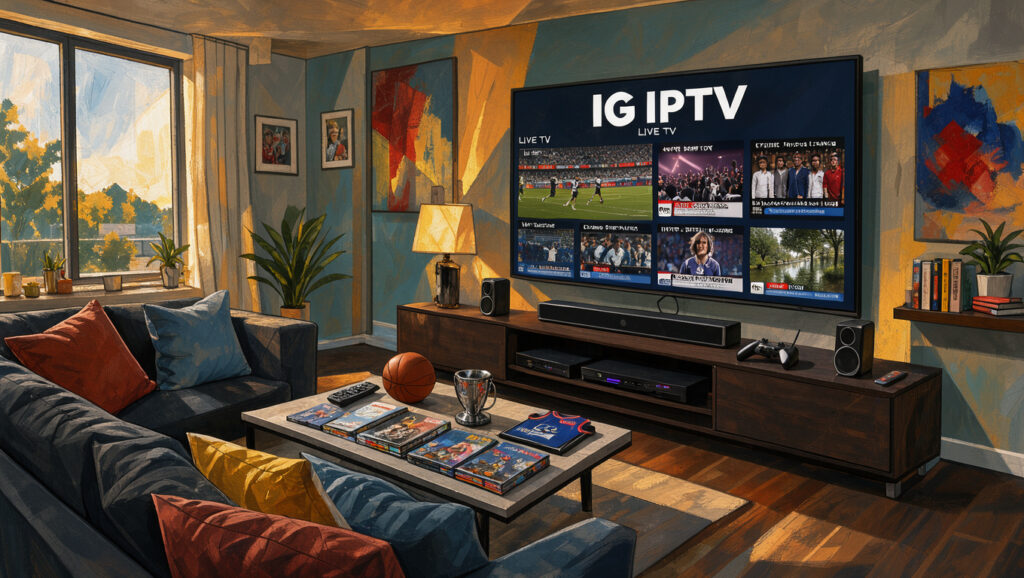
After a long day, you may want to relax with a favourite show or watch the latest football match. Yet, ordinary channels may no longer meet your needs. Many UK viewers now seek alternatives, while IG IPTV promises a new way to enjoy media.
Its library offers over 33,000 live TV channels, 40,000 movies, and 140,000 TV series. All are available in HD, Full HD, or 4K quality. Instant access provides something for everyone, from blockbuster films to live sports.
What makes IG IPTV stand out is its high-performance streaming through robust servers. Smooth playback comes without contracts or complicated setups. It supports Smart TV, Android, iOS, Firestick, MAG, and PC devices.
This article explores IG IPTV’s content, subscription plans, device support, and key points for UK viewers. It can help you choose an entertainment option for 2024.
Key Takeaways
- Access to over 33,000 live TV channels and extensive movie and series libraries.
- High-quality streaming options including HD, Full HD, and 4K.
- Instant activation with no long-term contracts required.
- Compatible with various devices like Smart TVs, Android, iOS, and more.
- Fast setup process with subscriptions activated in minutes.
IG IPTV at a Glance: What the Service Offers
IG IPTV gives viewers in the UK and beyond access to many entertainment choices. It focuses on international live television, films, series, and sports from different markets. You can enjoy premium entertainment in one place without managing several subscriptions.

1. Explore international entertainment from the UK
IG IPTV has a large library with entertainment from around the globe. Watch live TV, films, and series across many genres and languages. This range brings new cultures and stories into your viewing.
International content helps you follow the latest shows and films unavailable on traditional UK channels. IG IPTV aims to offer a fuller viewing experience beyond local choices.
2. Understand the internet protocol television format
IG IPTV uses the internet protocol television (IPTV) format to deliver programmes through an internet connection. It uses no aerial or satellite dish, giving you more flexible ways to watch favourite content.
IPTV is a delivery method, but it does not guarantee content quality or licensing. Instead, it provides a framework for streaming many channels and shows. This makes internet protocol television an attractive option for many viewers.
3. Weigh the advertised benefits against your viewing needs
When considering IG IPTV, compare its advertised benefits with your viewing needs. It advertises high-performance servers, smooth streaming, and instant activation. No contract is required, which gives you more subscription flexibility.
To choose wisely, consider your preferred content, simultaneous users, and planned devices. Also check your broadband performance and desired picture quality. These factors can show whether IG IPTV suits your entertainment needs.
| Feature | Description | Benefit |
|---|---|---|
| International Content | Access to live TV, films, and series from various countries | Broaden your viewing experience |
| IPTV Format | Content delivered via internet connection | Flexible viewing options |
| High-Performance Servers | Fast streaming capabilities | Minimised buffering and interruptions |
| No Contracts | Flexible subscription model | Cancel anytime without penalties |
IG IPTV: 1. Browse a Large Live TV and On-Demand Library
IG IPTV offers a wide range of entertainment. Its library includes live television streaming and video on demand for different viewing needs.
1. Find live television among 33,000+ channels
IG IPTV offers over 33,000 live TV channels across many genres. The advertised figure may not mean every channel is accessible or suitable for viewers in the UK. Check the available channels to match your viewing habits.
2. Choose from 40,000+ movies through video on demand
Alongside live television streaming, IG IPTV offers over 40,000 movies through video on demand. You can choose titles when convenient, without following a fixed schedule. The library includes blockbuster hits and indie gems, so you can find something interesting.
3. Catch up with 140,000+ TV series
IG IPTV also offers over 140,000 TV series for fans of long-running shows. You can catch up with favourite programmes or discover new ones. Availability, episode order, subtitles, and language options may vary, so check the library regularly.
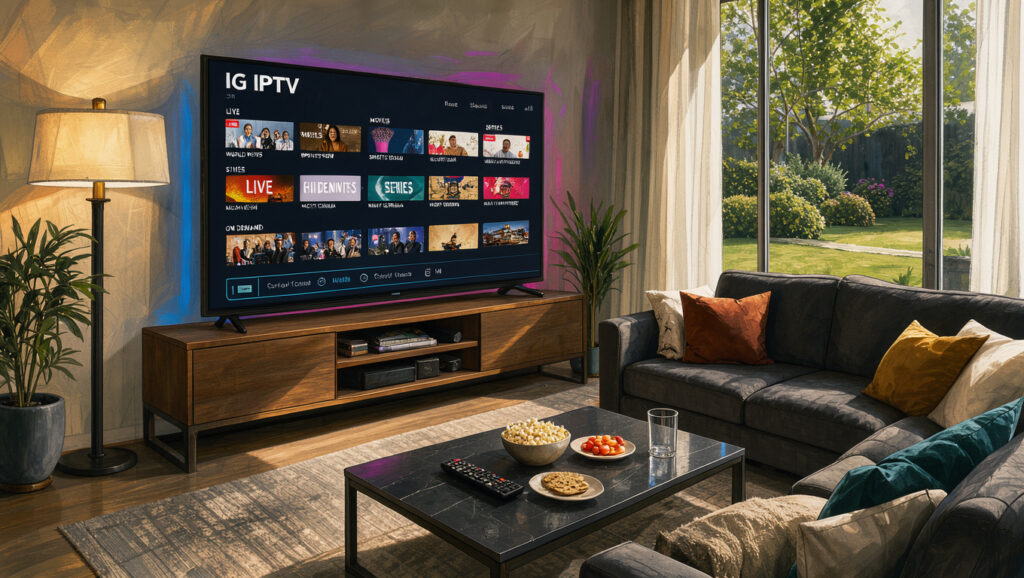
Overall, IG IPTV offers a rich library for many viewing preferences. Explore the categories and content that matter most before choosing a plan. This helps you gain the best value from your subscription.
2. Check the Sports and Entertainment Viewing Options
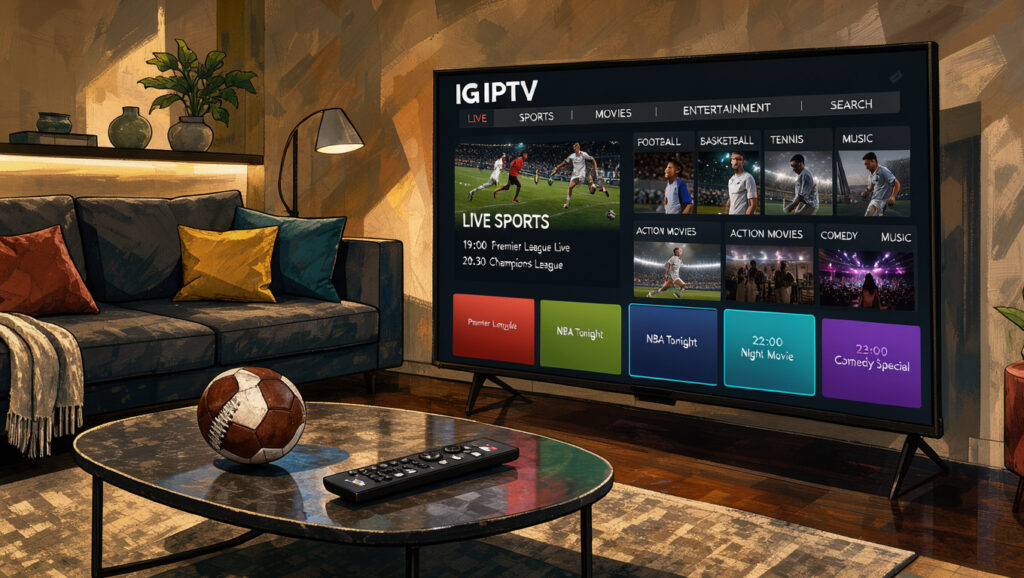
With IG IPTV, you can move easily between live sports and a rich entertainment library. Follow your favourite sports, then enjoy a range of films and series. The service serves UK and international viewers, with content available at any time.
1. Follow live sports and scheduled broadcasts
IG IPTV lets you follow live sports and scheduled broadcasts with ease. You can watch your favourite teams and events as they happen. Availability may depend on your provider’s catalogue, location, and subscription rights; always check the sports channels in your plan.
2. Switch between sports, films and series
IG IPTV offers a broad library of live sports, films and series. You need not manage several services for different entertainment. Watch a live match or binge-watch a new series without missing a beat.
3. Use the electronic programme guide to plan what to watch
The electronic programme guide (EPG) helps you organise your viewing. It shows programme titles, channels, timings, and upcoming broadcasts, so you can plan efficiently. Confirm the guide is accurate and updated for your chosen channels, so you do not miss favourite shows or events.
| Feature | Description | Benefits |
|---|---|---|
| Live Sports | Access to live broadcasts of various sports events. | Follow your favourite teams in real-time. |
| Entertainment Library | A vast selection of films and series. | Switch between genres without hassle. |
| Electronic Programme Guide | Organises viewing schedules and upcoming shows. | Helps you plan your viewing effectively. |
Visit this link for more information about the available plans and features.
3. Compare IG IPTV Plans by Number of Connections
When choosing IG IPTV, compare plans by the number of connections you need. Each plan suits different viewing habits, so you can choose the right option for your household. It suits individual viewers and larger families.
1. Choose the 1 Connection plan
This plan suits viewers who mainly watch content on one device. Here are the pricing options:
- One month — $15
- Three months — $34, plus one month free
- Six months — $44, plus two months free
- Twelve months — $69, plus three months free
2. Choose the 2 Connection plan
If you share your viewing with another person, the two-connection plan may suit you. The pricing is as follows:
- One month — $20
- Three months — $46, plus one month free
- Six months — $74, plus two months free
- Twelve months — $115, plus three months free
3. Choose the 3 Connection plan
This option suits families or households with several viewers. Here’s what you can expect to pay:
- One month — $34
- Three months — $69, plus one month free
- Six months — $99, plus two months free
- Twelve months — $145, plus three months free
4. Choose the 4 Connection plan
For larger households or flexible viewing, the four-connection plan offers good value. The pricing details are:
- One month — $40
- Three months — $89, plus one month free
- Six months — $120, plus two months free
- Twelve months — $170, plus three months free
More connections may help households using several supported devices. However, check the provider’s terms for simultaneous streaming and its definition of a connection. “Make sure to compare the total subscription period, not just the monthly equivalent,” because this can affect your overall value.
All prices are in US dollars. Final costs for UK customers may vary because of currency conversion and payment processing fees. Compare these options carefully to choose the plan that suits your viewing needs.

4. Assess Streaming Quality, Servers and Playback
Understanding streaming quality helps create a smooth viewing experience. IG IPTV offers HD, Full HD, and 4K, and each option affects viewing differently.
1. Compare HD, Full HD and 4K viewing quality
HD (High Definition) offers a resolution of 720p, while Full HD (1080p) gives a clearer, more detailed picture. 4K resolution goes further, with four times as many pixels as Full HD. However, higher resolutions require:
- More data usage
- Compatible hardware
- Higher broadband speeds
4K provides stunning visuals, but your internet connection must handle the extra demand to prevent interruptions.
2. Consider the high-performance server claims
IG IPTV advertises high-performance servers, claiming they provide fast streaming without buffering. However, these claims can vary due to several factors:
- Your internet connection speed
- Network congestion during peak times
- The device you are using
The service may promise high performance, but your actual experience can differ. Consider your setup and the demands of the content you want to stream.
3. Check what affects smooth streaming and buffering
Several factors can disrupt smooth streaming and cause frustrating buffering. Common causes include:
- Insufficient broadband speed
- Wi-Fi interference
- Busy home networks
- Device limitations
- Server load and individual stream issues
Use a stable connection, position your router well, and close unnecessary high-bandwidth applications. Testing a wired connection can also improve performance.
Understanding these factors can help you maximise your IG IPTV experience. For more detailed insights, read our reviews.
5. Watch IG IPTV on Compatible Devices
IG IPTV offers streaming device compatibility across Smart TVs, PCs, and other platforms. You can enjoy your favourite content anytime and anywhere. Below, we explain how to set up IG IPTV on each device.
1. Set up viewing on a Smart TV
Smart TV setup depends on the television’s operating system. Check that your TV supports the provider’s required application or player for streaming device compatibility. Then follow IG IPTV’s setup instructions.
2. Stream on Android and iOS devices
Use a compatible application on Android and iOS devices. Download the IG IPTV app from a reputable source, then enter your subscription details correctly. This supports smooth streaming on mobile devices.
3. Use a Firestick or MAG device
Follow IG IPTV’s official setup instructions for a Firestick or MAG device. Check the application or portal for streaming device compatibility with your specific model.
4. Watch on a PC and consider simultaneous connections
For PC viewing, check the browser or player requirements. Choose a suitable screen size, and consider a wired connection for better stability. You can connect multiple devices, but this does not mean unlimited simultaneous streaming; choose your plan wisely.
| Device Type | Setup Complexity | Recommended App | Simultaneous Connections |
|---|---|---|---|
| Smart TV | Moderate | IG IPTV App | Varies by plan |
| Android/iOS | Easy | IG IPTV App | Varies by plan |
| Firestick | Moderate | IG IPTV App | Varies by plan |
| MAG Device | Moderate | IG IPTV App | Varies by plan |
| PC | Easy | Web Browser | Varies by plan |
6. Get Started with Activation and Everyday Setup
Setting up IG IPTV is easier than you might expect. Its simple activation process helps you enjoy favourite shows and sports quickly. Follow these steps to begin:
1. Select a plan and complete the subscription process
First, decide how many connections you need. IG IPTV offers several plans, so choose one that suits your viewing habits. Complete the subscription process with your details and payment information, then receive account access details by email.
2. Follow the setup steps for your chosen device
Setting up IG IPTV differs slightly by device. Follow these general steps:
- For Smart TVs, download the IG IPTV app from your device’s app store.
- If you’re using a mobile device, install the app from Google Play or the App Store.
- For Firestick or MAG devices, follow the specific installation guides available on the provider’s website.
- PC users can access IG IPTV through a web browser or specific software recommended by the provider.
Use the guidance for your equipment to help ensure a smooth setup.
3. Understand instant activation and the no-contract offer
IG IPTV advertises instant activation. If your access details do not appear, check your email, including the spam folder, or open your account dashboard. This lets you start watching as soon as possible.
IG IPTV also offers a no-contract option, so you can cancel at any time. Before subscribing, review the renewal arrangements, cancellation procedures, refund terms, and payment conditions. Understanding these details helps you make an informed subscription decision.
| Plan Type | Connections | Subscription Duration | Price |
|---|---|---|---|
| Basic | 1 | Monthly | £10 |
| Standard | 2 | Monthly | £18 |
| Premium | 3 | Monthly | £25 |
| Ultimate | 4 | Monthly | £30 |
These steps can help you activate IG IPTV and enjoy its vast entertainment library. Check the setup instructions for your device to get the best experience.
7. Make an Informed Choice as a UK Viewer
For UK viewers, comparing IPTV options can improve your viewing experience. Learn about your subscription’s technical and legal details to enjoy it safely and lawfully.
1. Check broadband bandwidth requirements for your home
Before subscribing to an IPTV service, check your broadband bandwidth requirements. HD, Full HD, and 4K video need more bandwidth. If several household members stream together, total bandwidth use becomes important.
Review these points:
- Your current broadband package and its speed.
- Wi-Fi reliability and router placement within your home.
- Whether your connection can support multiple streams at once.
2. Consider content licensing rules and your responsibilities
Understanding content licensing rules is vital. Choose an IPTV service authorised to provide its channels and content in your location. A large channel list does not prove lawful access, so check compliance with local regulations.
3. Decide whether the plan, device support and content suit you
Finally, check whether the plan, device support, and content suit your viewing preferences. Use this checklist to guide your decision:
| Criteria | Considerations |
|---|---|
| Preferred Channels | Do they match your interests? |
| Sports and Entertainment | Are your favourite events and shows included? |
| Subscription Duration | Are you comfortable with the commitment? |
| Number of Connections | Will it support your household needs? |
| Compatible Devices | Is your preferred device supported? |
| Streaming Quality | Does it meet your expectations? |
| Activation Terms | Are they straightforward? |
| Support | Is customer service reliable? |
| Payment Conditions | Are they flexible and clear? |
| Overall Value | Does it justify the cost? |
Consider these factors carefully before deciding whether IG IPTV suits you. If the service falls short, you can request a refund.
Conclusion
As you explore IG IPTV, consider its wide range of entertainment. It offers over 33,000 live TV channels, 40,000 movies, and 140,000 TV series. Content comes in HD, Full HD, and 4K quality for a better viewing experience.
IG IPTV works with Smart TVs, Android, iOS, Firestick, MAG, and PCs. You can watch your favourite shows and sports on the devices you prefer. Instant activation and easy setup help you start streaming without delay.
When choosing a plan, consider your content needs and required number of connections. Also consider your household’s broadband performance. Understand your licensing responsibilities, compare prices in US dollars, and confirm device compatibility before subscribing.
If you have problems, support is available through WhatsApp or email. You can ask about subscriptions, installation, and streaming-related questions. WhatsApp offers quick technical help, while customer service operates 24/7; visit this page for more information.
Make an informed decision based on your viewing habits and preferences. Every viewer’s situation is unique, so consider all factors before choosing a plan.